
Description
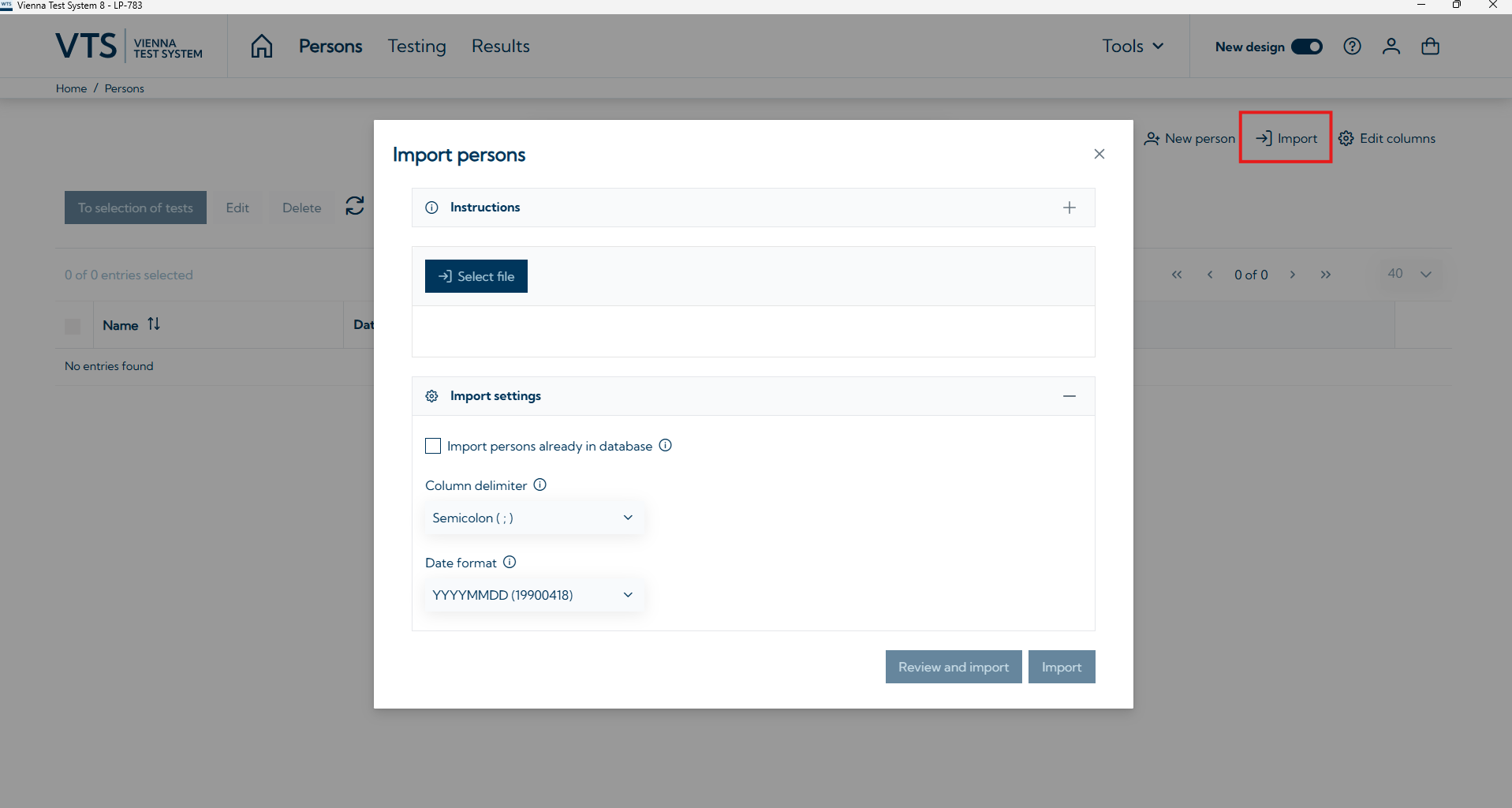
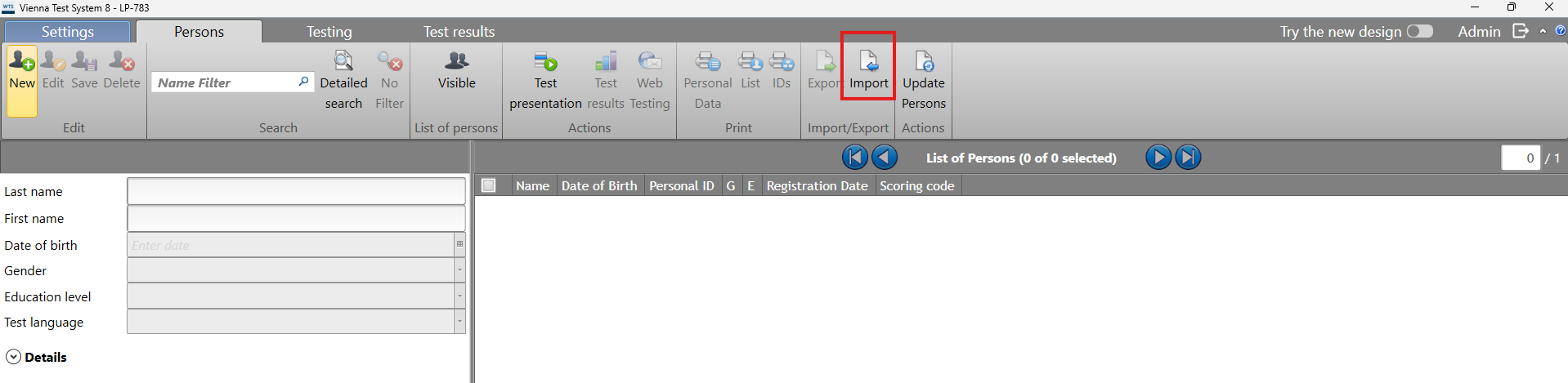
When importing persons into VTS, special characters, such as umlauts, are not imported correctly into VTS. The import is done via a .csv file containing the required personal data. This problems may occur if the .csv file is not formatted correctly.
Solution
-
Make sure the correct file format option is selected when saving.
-
When using Microsoft Excel: Use the Save As option and select CSV UTF-8 (delimited) (*.csv).
-