
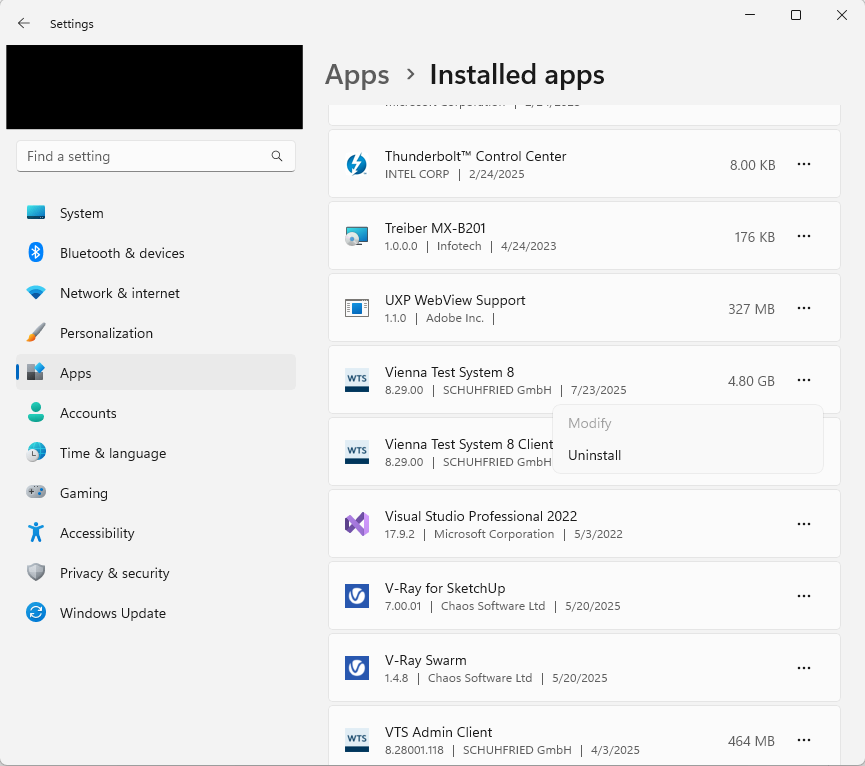
To uninstall VTS, proceed as follows:
-
Open Settings (Windows key + I).
-
Go to Apps → Installed apps.
-
Uninstall VTS.
The databases, and thus all persons and results, remain on your system even if the VTS has been uninstalled. Further steps are necessary to remove all files. Please contact our Support for further information.