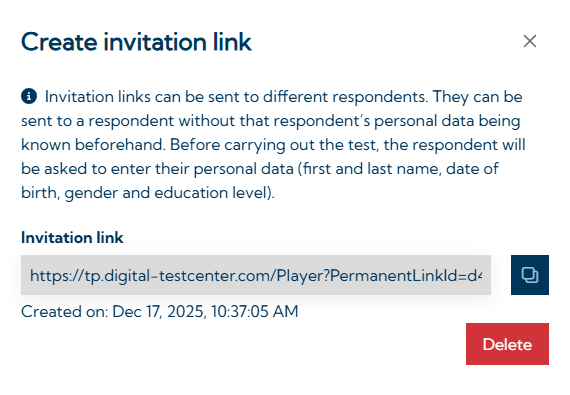
Invitation links are non-personalized links for conducting specific test batteries. By clicking on the link, test takers can independently create a new person in the system by entering their personal data (first and last name, date of birth, gender, and education level). The test battery connected to the invitation link then starts automatically.
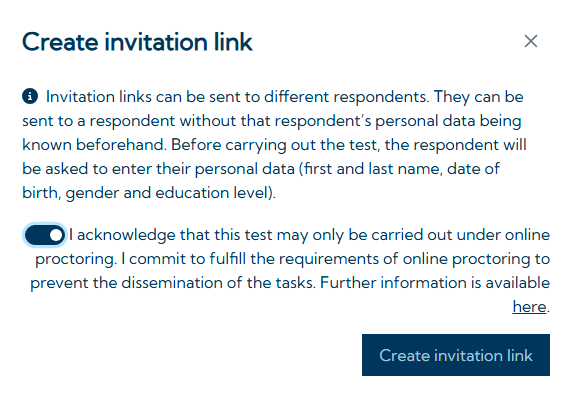
Invitation links can only be created if every test in the test battery is available in open or proctored mode (see Testing modes).
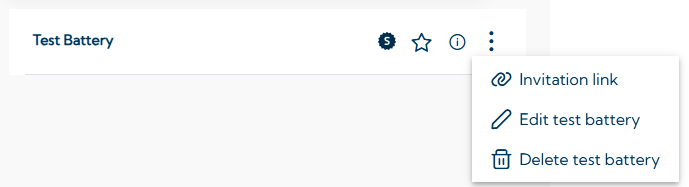
To create an invitation link, the test battery must first be created. Then, by clicking on the three-dot icon 
If the link needs to be deactivated, this can be done using the Delete button.