The test manuals contain all relevant information about a test. In the test manuals you will find information about the application, the theoretical background and development, the test quality criteria and the interpretation of a test.
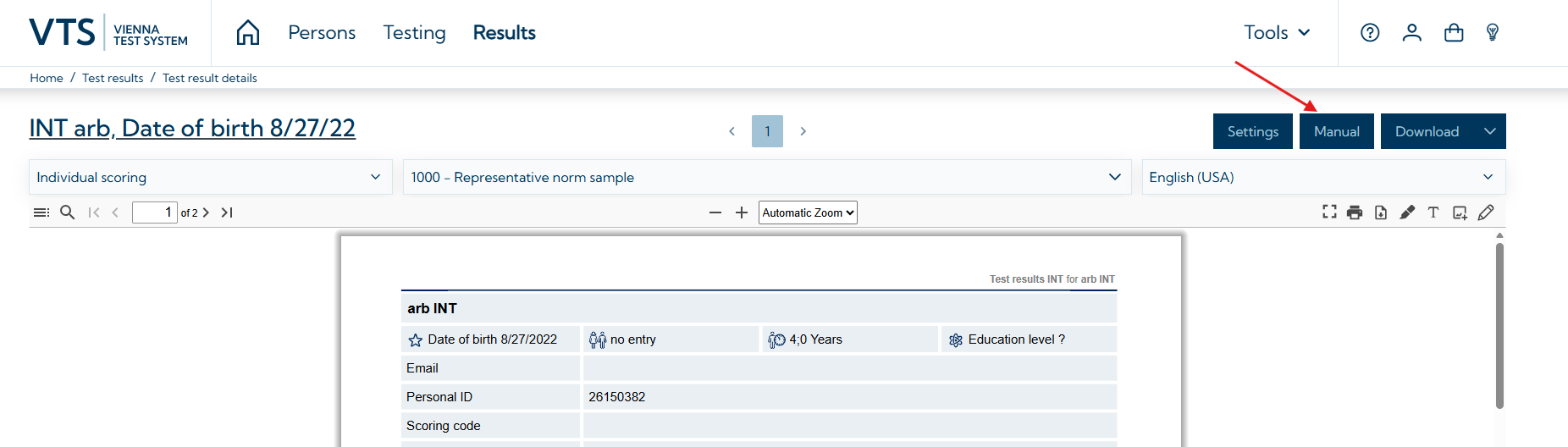
You can access the manuals in the VTS using the corresponding options. You can either open the test manuals on the Testing tab in the test list or directly from the test result view on the Results page.
Opening manuals from the testing tab
-
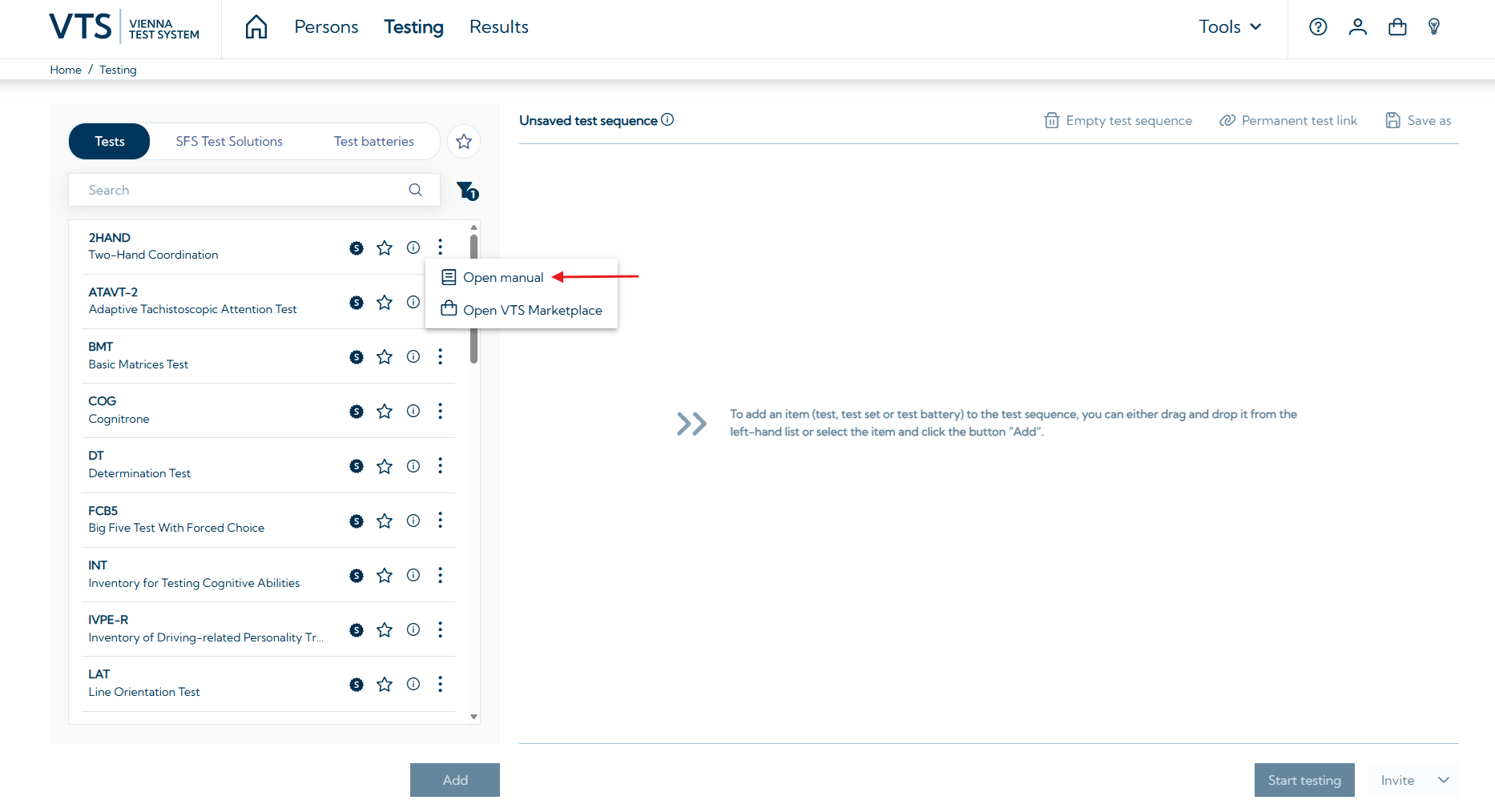
Go to the Testing tab→ Search for the test for which you want to open the manual.
-
Click on the icon with the three vertically arranged dots and select Open manual.
Opening manuals from the results view
-
Go to the Results tab → open a test result (click on the entry in the results list)
-
Click on Manual