
Description
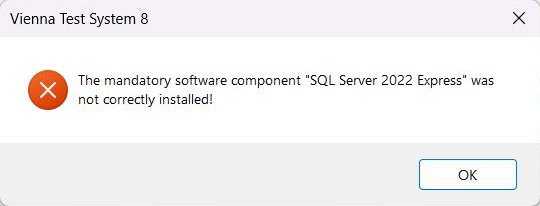
During the VTS installation, one or more software components fail to install. For example, you may receive a message similar to:
or a Microsoft Defender SmartScreen message:
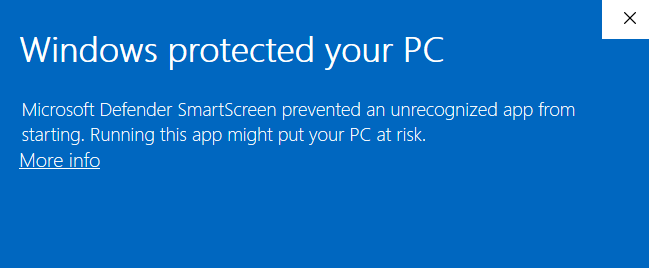
The reason for this is that Windows may mark files downloaded from the internet as potentially unsafe. If the installation .zip archive is extracted before it is unblocked, executable files inside the archive may inherit this security mark. As a result, Microsoft Defender SmartScreen may prevent some installation components (such as Microsoft SQL Server Express) from starting.
This behavior is caused by a Microsoft Windows security mechanisms and is not specific to the VTS. It may affect any executable from downloaded .zip archives.
Troubleshooting
Before extracting the installation package:
-
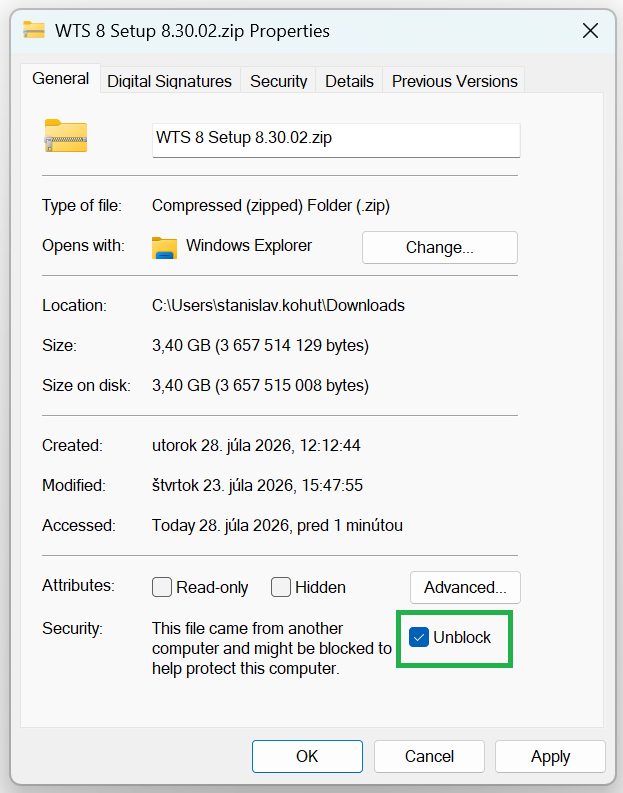
Right-click the downloaded .zip file and select Properties.
-
On the General tab, check Unblock under the Security section.
-
Click Apply, then OK.
-
Extract the .zip archive.
-
Restart the VTS setup.